
Trading Concepts
A trailing stop is a stop-loss that moves with the trade. As the price climbs, the stop climbs along with it, locking in more and more of the gain. The stop never moves down — only up.
The recipe
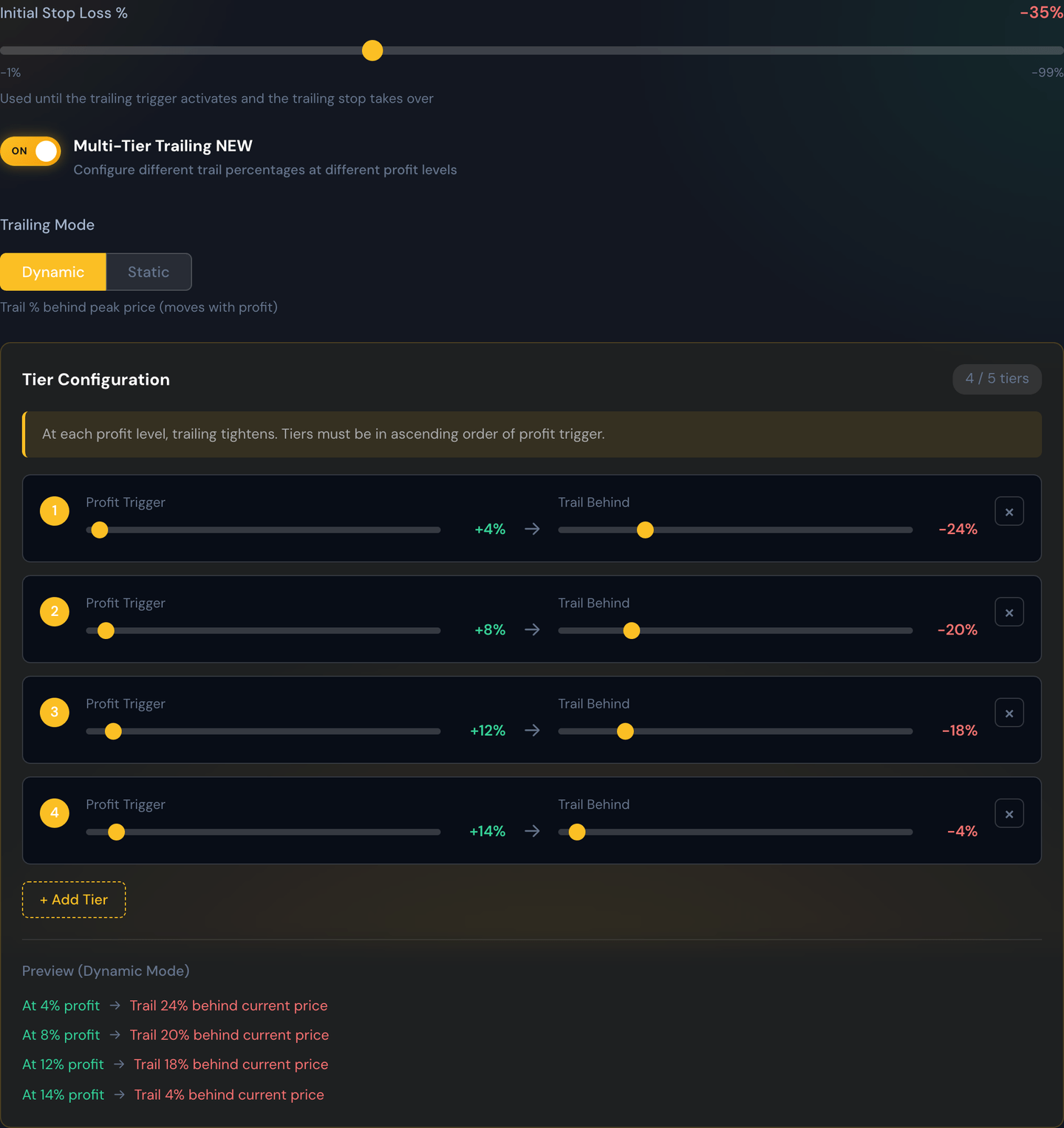
A trailing stop has two ingredients:
- Trigger — how far in profit the trade has to be before the trailing stop "wakes up." Until the trigger is hit, your original stop-loss is what's protecting the trade.
- Trail — once the trailing stop is active, how far behind the peak price it sits.
Worked example
You enter a trade at $1.00. You set a trailing stop with a 20% trigger and a 10% trail:
- The price has to climb to at least $1.20 before the trailing stop kicks in. Below $1.20, your normal stop-loss protects the trade.
- The price climbs to $1.30. The trailing stop activates and sits 10% below that, at $1.17.
- The price keeps climbing to $1.50. The trail follows: 10% below $1.50 is $1.35.
- The price now pulls back. Once it falls to $1.35, the trade closes — you book a +35% win on a trade that was never up more than 50%.
The point: a trailing stop lets you stay in winners as long as they keep winning, and steps you out the moment they reverse meaningfully.
When trailing stops shine
- Trending markets where moves keep extending.
- When you want to participate in a big move without setting an unrealistically high profit target.
When they can frustrate
- Choppy, sideways markets — the trail keeps getting clipped on tiny pullbacks.
Tip
Use Backtest to compare a trailing stop against a flat profit target on the same alerts. The right pick depends on the kind of moves your alerts tend to produce.