
Trading Concepts
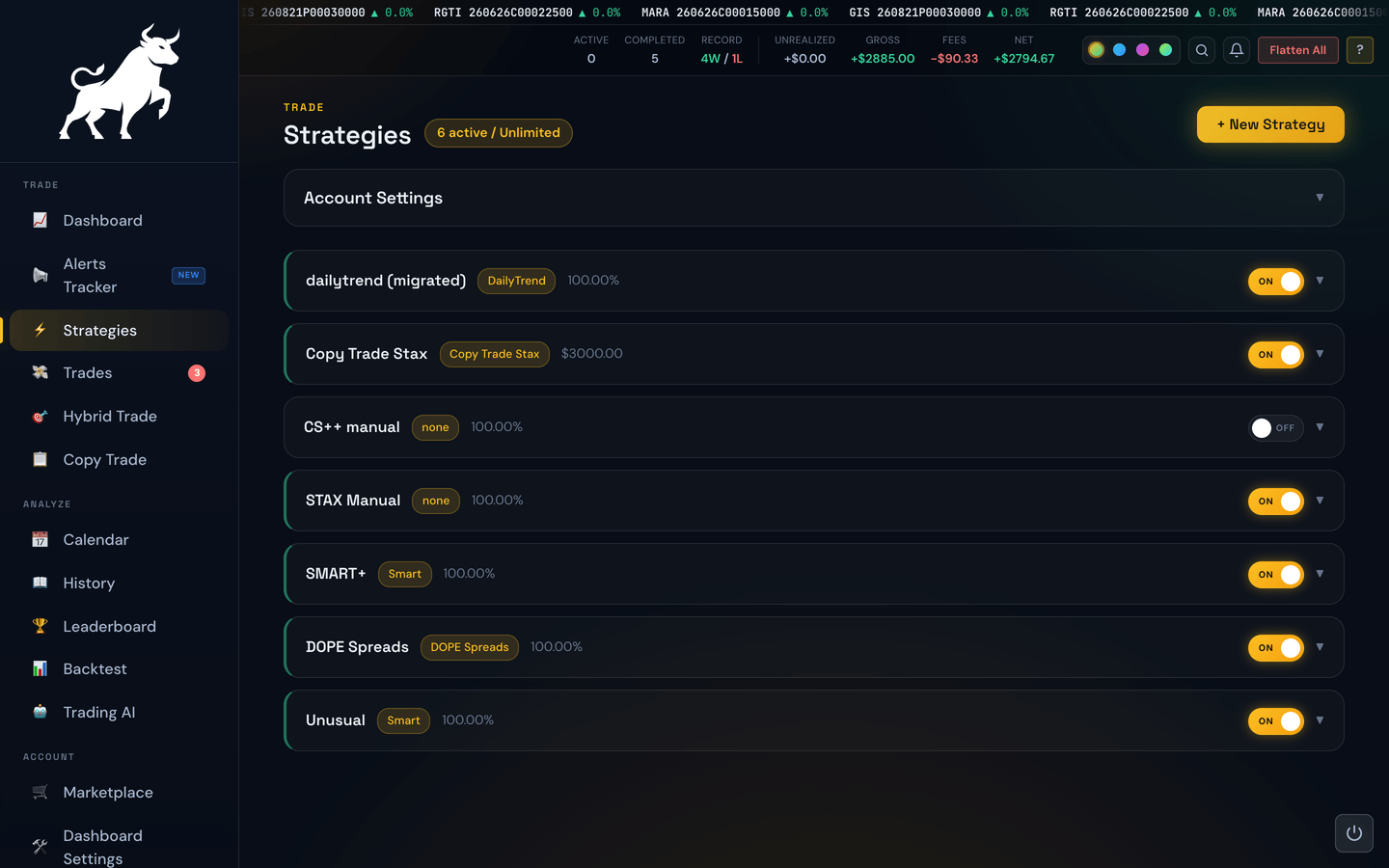
Settings Lock freezes your trading settings for a chosen amount of time. While locked, you cannot change risk values, stop-losses, profit targets, or any other trading rule. Once the timer runs out, the lock releases automatically.
Why this exists
The settings you write at 9 a.m. with a cup of coffee are almost always smarter than the settings you'd write at 11 a.m. while a losing trade is in progress. Settings Lock is a commitment device: it removes the temptation to widen a stop-loss mid-trade, raise a profit target after a winner, or disable a killswitch during a bad run.
How it works
- Open the Trading Settings (or Strategies) page.
- Adjust your rules to where you want them.
- Click Lock Settings and choose how long (e.g. 4 hours, 8 hours, until end of day).
- The portal asks you to confirm. After you confirm, the settings page goes read-only.
- A banner shows the unlock time. When the timer hits zero, editing is enabled again.
What's locked, what isn't
- Locked: profit targets, stop-losses, killswitches, filters, trading hours, trade limits — anything that defines how the bot trades.
- Not locked: display preferences (Dashboard Settings), browsing pages, manual trades, and emergency controls. You can still open, close, and flatten trades while settings are locked.
Tip
Lock your settings for the full trading session at the start of each day. The act of choosing the lock duration makes you commit to the rules instead of treating them as suggestions.