
Sound alerts play a short chime for trade events so your ears can tell you something happened — handy when you're working in another window or across the room. You get three separate alerts, each with its own on/off switch and its own sound:
- Entry — plays when a new trade opens.
- Win — plays when a trade closes in profit.
- Loss — plays when a trade closes at a loss.
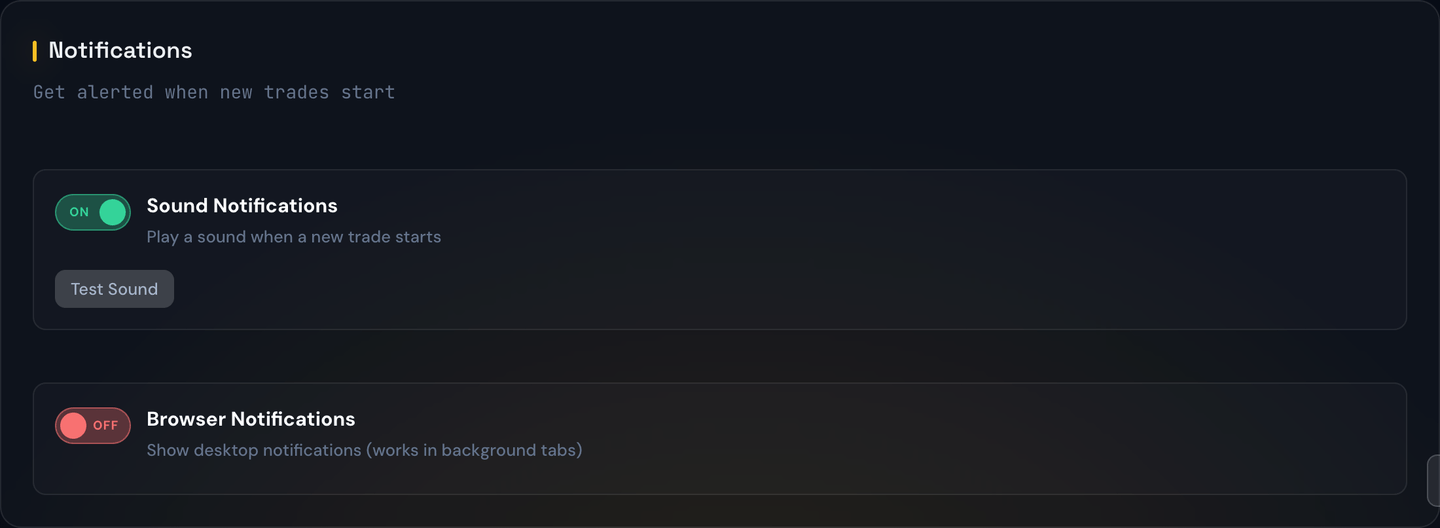
Turning them on and picking a sound
- Open Dashboard Settings from the sidebar.
- In the Notifications section, flip Entry Sound, Win Sound, or Loss Sound to On (each is independent).
- Once an event is on, a dropdown appears — choose the sound you like. Entry and Win share the same set of upbeat sounds (New 1–7 and Win 1–5); Loss has its own set of "uh-oh" sounds (Loss 1–4).
- Click Preview next to a dropdown to hear the selected sound before you commit.
Note
Win and Loss sounds start off by default — only the Entry sound carries over from the old single setting. Turn Win and Loss on if you want to hear them.
A quick example
Say you set Entry to New 1, Win to Win 3, and Loss to Loss 2. Now when a fresh SPY trade opens you hear the New 1 chime; when it later closes up +$420 you hear Win 3; and if a different trade closes down −$180 you hear Loss 2. Three different cues, so you know what happened without looking.
What triggers each chime
Each sound plays once, at the moment of the event — Entry when a position opens, Win or Loss when a position closes. They do not play for price ticks or profit/loss updates in between. A trade that closes right at breakeven counts as a Win for the sound.
Why you might not hear it
If an event is on but you don't hear anything, check:
- Your system volume isn't muted and is loud enough.
- The browser tab isn't muted (right-click the tab title to confirm).
- Your operating system isn't in Do-Not-Disturb / Focus mode.
- Preview plays — if Preview is silent, the issue is browser/system audio, not the portal.
Tip
If you keep multiple tabs of the portal open, only one of them needs sounds enabled. Otherwise every event will chime several times.