
The portal gives you two different ways to step in and close trades by hand. They look similar, but they're not the same thing.
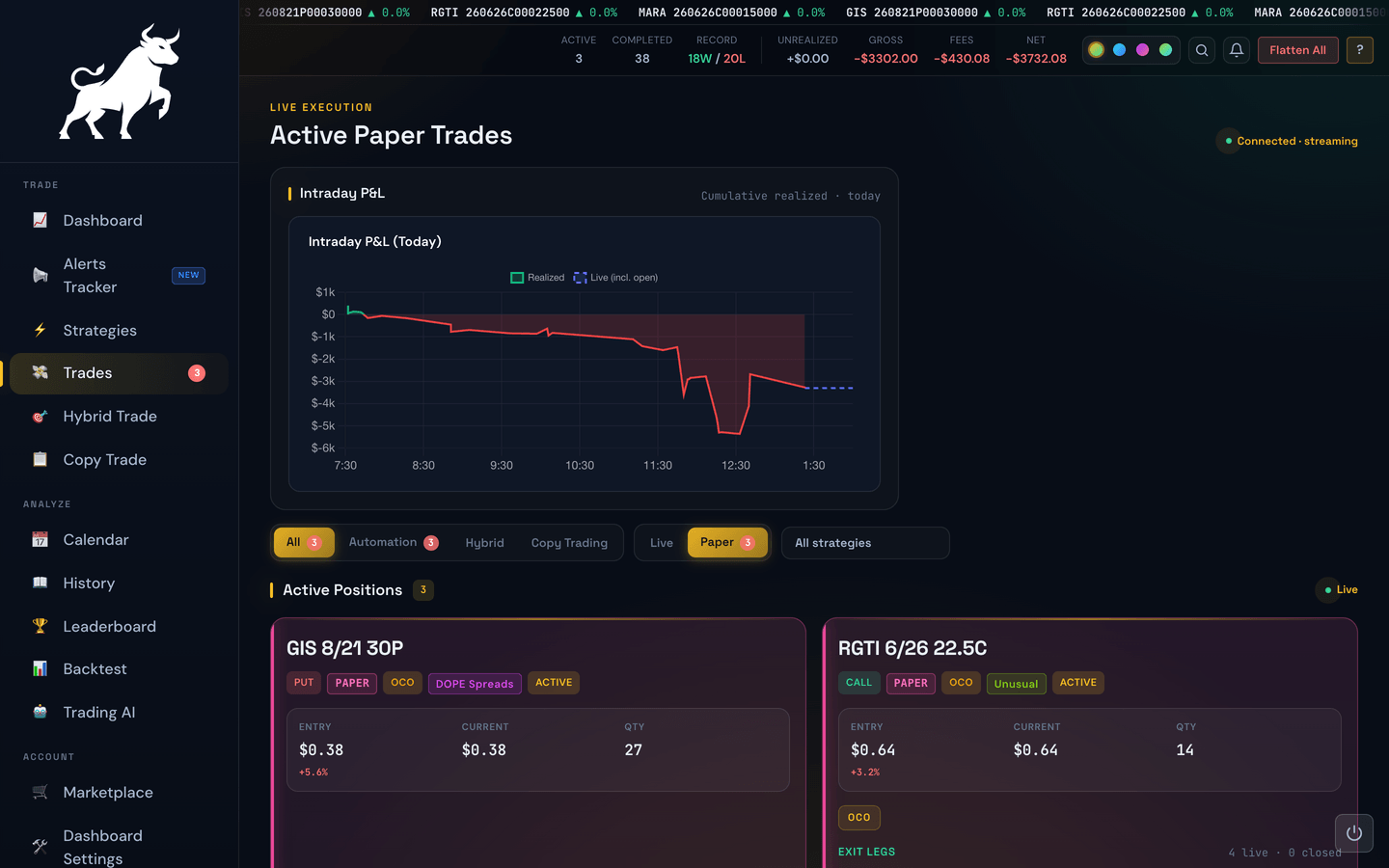
Manual Close (one trade)
The Close button on an individual trade card on the Live Trades page closes only that trade. Every other open trade keeps running.
Use Manual Close when:
- You want out of one specific position before the bot's exit rules fire.
- A particular trade has earned what you wanted and you'd rather book it now than wait for the trailing stop.
- One ticker is moving against you and you want to cut it loose without touching the others.
Flatten All (every trade)
The Flatten All button in the top banner closes every open position at market price, all at once.

Use Flatten All when:
- A big unexpected event hits the market and you want to be flat now.
- You're losing internet, leaving home, or otherwise going offline and don't want positions running unattended.
- You're testing a major change and want a clean slate before turning things back on.
Warning
Flatten All is a market-order sledgehammer. Every position closes at whatever price the market gives you in that moment, which could be worse (or better) than your normal exit. It's the right tool for emergencies, not the right tool for routine exits.
What happens after either action
After closing manually or flattening, the bot does not automatically reopen those trades. New trades will only start when fresh alerts arrive (and your rules say yes). If you used Flatten All because you wanted to fully stop trading for the day, also flip your Trading enabled master switch off — Flatten All by itself doesn't pause the bot's future entries.