
You sign into the portal with the credentials you set up when you first activated your account.
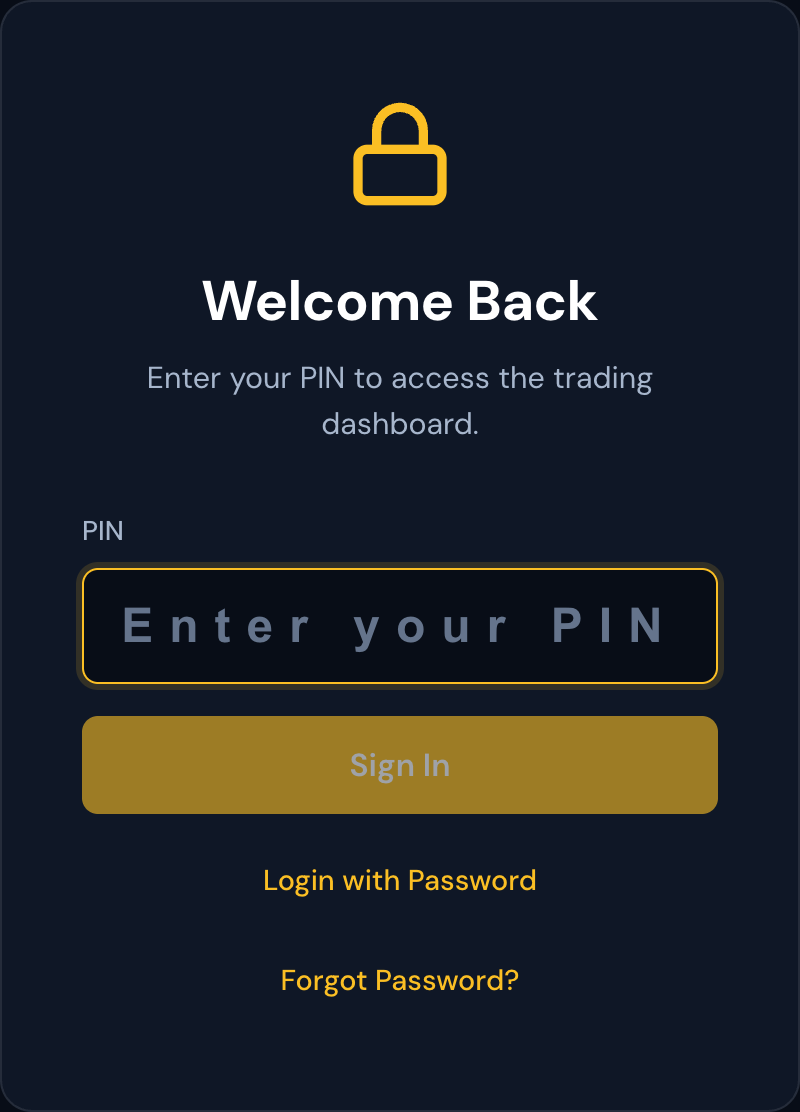
Password vs PIN
The portal supports two login styles:
- Password — a regular alphanumeric password.
- PIN — a shorter numeric code, faster to type on mobile.
Both unlock the same account. Whichever one you choose at sign-up is the one you'll use; you can switch between modes on the login screen.
Showing / hiding what you're typing
There's a small eye icon next to the password field. Click it to reveal what you've typed — useful when you're not sure you got it right, especially on touchscreens.
Lockout
For your security, the portal locks you out after several failed attempts in a row. If you see a "Too many attempts, try again in X minutes" message, that's why. Wait for the countdown to finish and try again. The lockout protects your account from someone repeatedly guessing.
Forgot your credentials
If you can't remember your password or PIN, use the recovery option on the login screen. You'll be guided through verifying your identity and creating a new one.
Staying signed in
The portal keeps you signed in as long as you stay active. If you walk away from the screen for too long, you'll see a 1-minute "session about to expire" warning before being returned to the login screen — see "Session Timeout" for details.